Mahartha Keynote Template: A Designer's Perspective
Let's cut to the chase. You've got a presentation to build, a deadline looming, and you want it to look like you hired a professional agency. That's where a solid Keynote template comes in. The Mahartha - Keynote Template isn't just another set of slides; it's a toolkit designed for people who value their time and their brand's visual integrity. It's built for the entrepreneur pitching investors, the marketer presenting a campaign strategy, or the designer finalizing a client pitch deck. The goal is simple: make you look prepared, polished, and persuasive without starting from a blank canvas.
Understanding the Visual Language
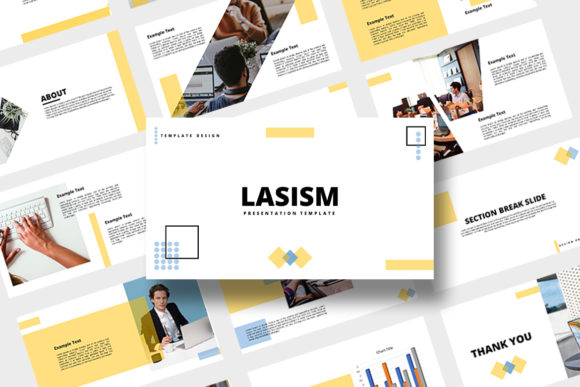
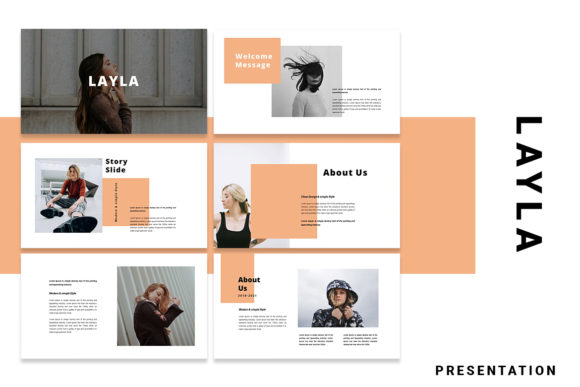
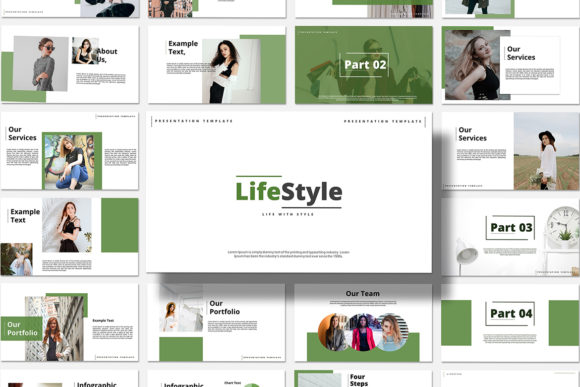
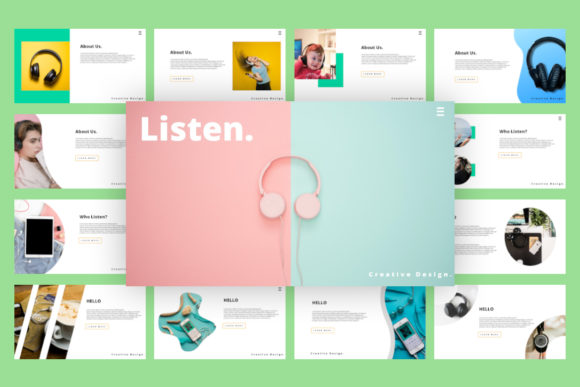
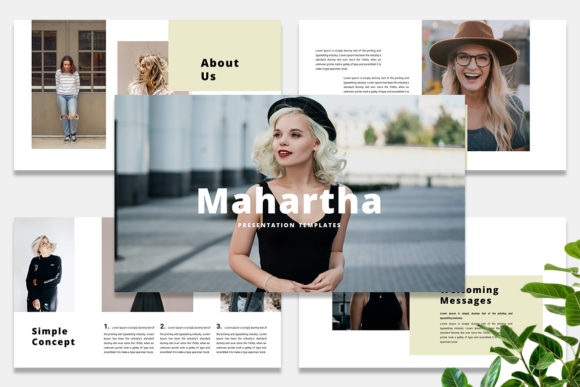
First impressions are everything. Mahartha leans into a modern, creative, and unique aesthetic. It avoids the tired, corporate clip-art vibe. Instead, you'll find clean layouts with intentional use of space, bold typography choices, and a structure that guides your audience's eye naturally from one point to the next. The personality is confident and contemporary. It’s the kind of style that feels at home in a tech startup, a design studio, a boutique consultancy, or a creative portfolio review. The overall appeal lies in its balance—it's professional enough for a boardroom but creative enough for a gallery opening.
Key Features That Save You Time
The real value of the Mahartha - Keynote Template is in its practical, time-saving features. This isn't about being flashy; it's about being functional.
- Drag & Drop Image Placeholders: Swapping out photos is a click-and-drag affair. No more wrestling with alignment or cropping within the slide master. You drop your image in, and it fits the designated frame perfectly.
- Fully Editable Elements: Every color, every piece of text, every shape is yours to change. If the default palette doesn't match your brand guidelines, you can adjust it in seconds. This level of editability is what separates a premium template from a static one.
- Unique Custom Slides: You're not getting 50 variations of the same bullet-point layout. The template includes a diverse range of slide types—title slides, data visualization, team bios, quote slides, portfolio grids, and more. This variety keeps your presentation dynamic and engaging.
- 16:9 Aspect Ratio: It's the standard for modern displays and projectors, ensuring your presentation looks full-screen and professional everywhere.
- Free Font Inclusion: The template uses a free font, which is a significant practical and financial benefit. You can download and install the typeface without worrying about additional licensing costs for your presentation.
Where Does This Template Shine?
Think of the Mahartha - Keynote Template as a versatile design asset. Its applications stretch across numerous professional and personal projects.
- Brand & Marketing: Perfect for building a cohesive brand identity deck, a social media strategy proposal, or a marketing plan. The clean lines support clear messaging.
- Entrepreneurship & Pitching: For startups and small business owners, a compelling pitch deck is non-negotiable. This template provides the structure to present your value proposition, market analysis, and financials with visual confidence.
- Design & Creative Portfolios: Designers, photographers, and artists can use it to showcase their work. The image placeholders are ideal for letting your logo design, packaging design, or web design projects take center stage.
- Education & Workshops: Educators and workshop facilitators can create engaging, easy-to-follow materials. The variety of layouts helps break down complex information into digestible visual chunks.
- Internal Communications: Even for internal reports or team updates, using a polished template elevates the perceived importance and professionalism of the information being shared.
The Influence on Your Audience
A presentation isn't just about dumping information; it's about communication. The modern typography and thoughtful layout of the Mahartha template directly influence how your message is received. Good visual hierarchy—using size, weight, and placement—ensures your key points stand out. This improves readability and helps your audience follow your narrative. Consistency across slides builds a sense of professionalism and reliability. When every slide looks like it belongs to the same family, your brand identity feels stronger and more recognizable. Ultimately, a well-designed presentation keeps your audience engaged. They're less likely to disengage because the visuals are actively supporting and clarifying your story.
Practical Guidance for Implementation
Having a great template is step one. Using it effectively is step two.
- Evaluate the Fit: Before you commit, browse all the included slide types. Does the overall aesthetic align with your brand's tone? If you're a serious financial firm, the "creative" flair might need to be toned down through color and font adjustments. If you're a lifestyle brand, it might be a perfect match.
- Customize Thoughtfully: Don't just swap the placeholder text. Use the editable color scheme to match your brand's exact hex codes. Consider if the included free font is the right voice for your content, or if you need to pair it with another typeface from your brand kit for body text.
- Master Font Pairing: The template likely uses a strong display font for headings. Ensure your body text uses a highly readable sans serif font or serif font that complements it without competing. The contrast between a decorative heading font and a simple body font is a classic, effective pairing strategy.
- Content is Still King: No template can save bad content. Use the structured layouts to force clarity in your own writing. If a slide feels crowded, it's a sign to simplify your message, not to shrink the font.
- Check the Licensing: While the template file itself is for your use, always double-check the terms for the included font and any other assets. Ensure your intended use (personal vs. commercial) is covered. This is a crucial step for any commercial font or asset.
The Mahartha - Keynote Template is a tool. Like any good tool—from a premium font to a quality camera—its value is unlocked through skillful application. It provides the professional foundation, but your content, your delivery, and your strategic customization are what will ultimately make your presentation resonate and achieve its goal.