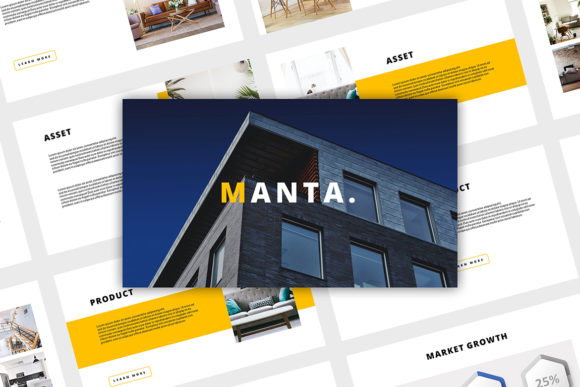
Manta - Google Slides Template: Modern & Creative Presentations
A Fresh Approach to Visual Storytelling
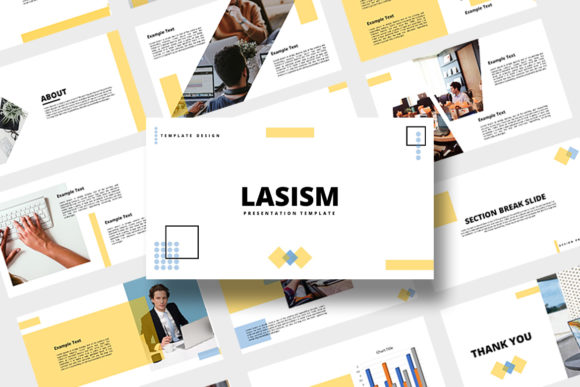
When you're putting together a presentation, the last thing you want is to start from a blank slide. It's frustrating, time-consuming, and often leads to inconsistent designs. That's where a tool like the Manta - Google Slides Template comes in. It's not just a collection of slides; it's a ready-to-use framework designed to make your ideas look polished and professional with minimal effort. The overall vibe is modern and creative, leaning into clean layouts with enough visual interest to keep your audience engaged. It avoids overly corporate stiffness, making it a great fit for a wide range of projects, from a startup pitch deck to a creative portfolio review.
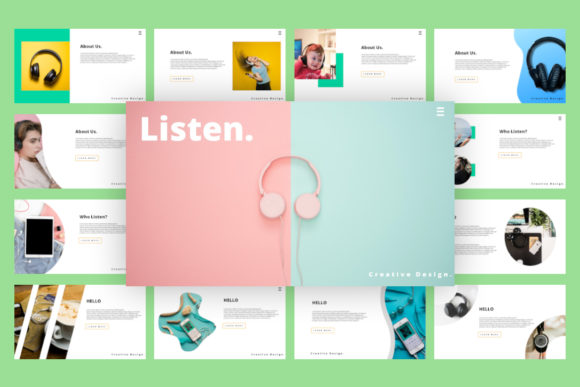
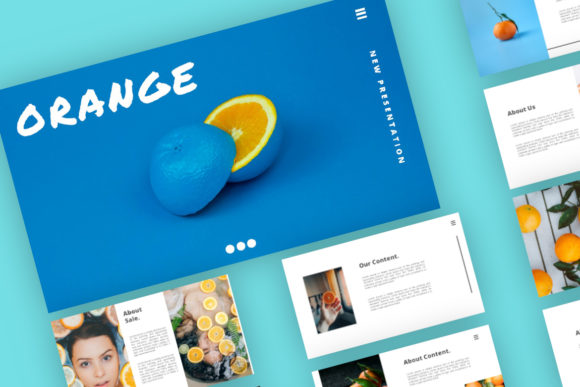
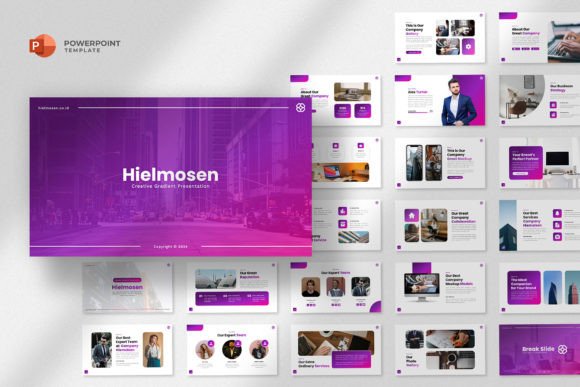
The personality of the Manta template is approachable yet confident. It uses a balanced mix of image placeholders, editable text blocks, and geometric shapes to guide the viewer's eye. This isn't a template that shouts; it communicates with clarity. The design feels intentional, with thoughtful spacing and a hierarchy that naturally leads you from one point to the next. For anyone who has struggled with aligning elements or choosing a color scheme, this template handles the heavy lifting. You get a cohesive visual language right out of the box, which is a massive advantage when you need to focus on your message rather than fiddling with design software.
Where This Template Shines: Real-World Applications
Think about the projects you're juggling. The Manta - Google Slides Template is surprisingly versatile. For entrepreneurs and small business owners, it's a lifesaver for investor pitches, team meetings, or client proposals. The professional layout builds credibility instantly. Marketers and content creators can use it to design compelling campaign overviews, social media strategy decks, or webinar slides that actually look good. The drag-and-drop image placeholders are particularly useful here, allowing you to swap in campaign visuals or brand assets seamlessly.
For those in publishing, editorial design, or blogging, this template can structure a media kit, a content calendar presentation, or a workshop outline. The 16:9 ratio is standard for screens, ensuring your work looks sharp whether it's projected in a meeting room or shared via a video call. Even for more personal projects, like planning a wedding, organizing a community event, or putting together a hobby portfolio, the clean aesthetic keeps the focus on your photos and information. The ability to easily change colors and text means you can adapt it to any brand identity or personal style in minutes, not hours.
Design Details That Make a Difference
What sets the Manta template apart from basic, overused defaults? It's in the details. The slides are built with a 16:9 aspect ratio, which is the modern standard for presentations. This gives you more horizontal space to work with, perfect for side-by-side comparisons, full-width images, or spacious text layouts. The inclusion of unique custom slides means you're not just getting variations of the same bullet-point layout. You'll find slides designed for timelines, team introductions, data visualization, and more, each with a distinct purpose.
The practical features are what make it truly useful. Image placeholders are a game-changer. Instead of trying to manually crop and fit a photo into a shape, you simply drag your image file over the placeholder, and it snaps into place, perfectly sized and positioned. The fully editable text means you can adjust fonts, sizes, and colors to match your exact brand guidelines. The shapes and other elements are also vector-based, so you can resize them without losing quality. This level of control is essential for maintaining a consistent and professional brand identity across all your materials.
Making It Work for You: Practical Tips
Getting the most out of the Manta - Google Slides Template requires a bit of strategy. First, start with your content. Outline your key points before you even open the template. This helps you choose the right slide layouts for each section. Don't feel forced to use every slide; pick the ones that best serve your narrative. Second, embrace the color palette, but make it your own. The template likely comes with a suggested color scheme, but the easy-to-change color feature is there for a reason. Swap in your brand's primary and secondary colors to create an instant connection with your existing materials.
Third, pay attention to font pairing. While the template uses free fonts, consider if they align with your project's tone. You might keep the suggested fonts for headings but switch the body text to something more readable for your specific audience. This is where understanding basic font pairing principles helps—pairing a bold display font with a simple sans-serif for body copy often works well. Finally, test your presentation. Run through it in presentation mode. Check the flow from one slide to the next. Ensure your images are high-resolution and your text is legible from a distance. The goal is a seamless, engaging experience for your viewer, and the Manta template provides the robust foundation to make that happen efficiently.