Portfolio Presentation: Your Modern Visual Storyteller
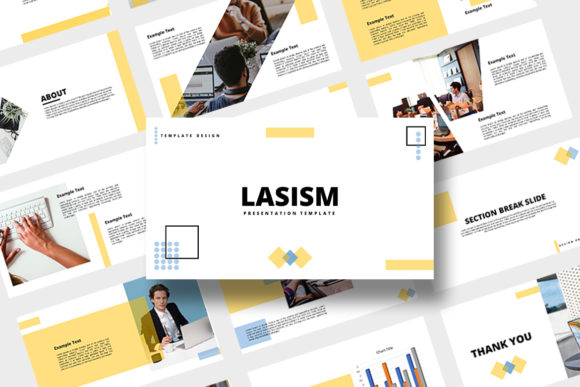
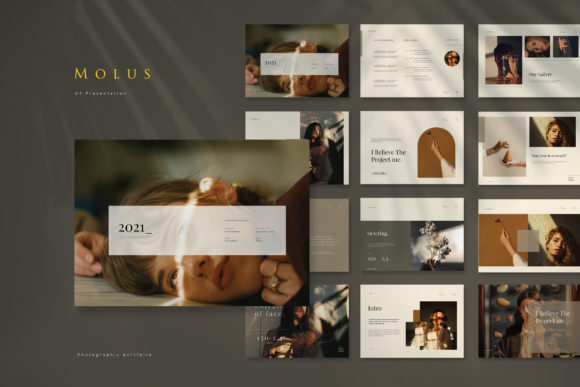
When you're putting together a portfolio, pitch deck, or brand guide, the visual wrapper is just as critical as the content inside. You need a template that feels contemporary, clean, and adaptable without requiring a graphic design degree to customize. That is exactly the niche Portfolio Presentation fills. It isn't just a collection of slides; it is a structured design asset built for the landscape format, specifically optimized for the standard 16:9 aspect ratio. Whether you are a small business owner trying to impress investors or a designer curating your latest work, this tool bridges the gap between a blank canvas and a finished masterpiece.
What makes this particular portfolio presentation stand out in a crowded market of design assets? It comes down to the technical specifications married with the modern typography choices included in the file. The template is built at a resolution of 1920 x 1080 px (1080p), ensuring that your graphics remain crisp whether you are projecting them in a boardroom or sharing them on a high-definition screen via Zoom. The dimensions are set to 34 x 19 cm, which gives you a wide cinematic canvas to work with. This isn't a standard A4 document forced into a slideshow format; it is purpose-built for visual impact.
The Power of the 16:9 Canvas
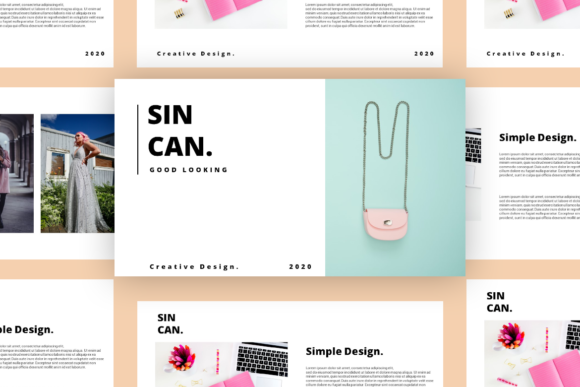
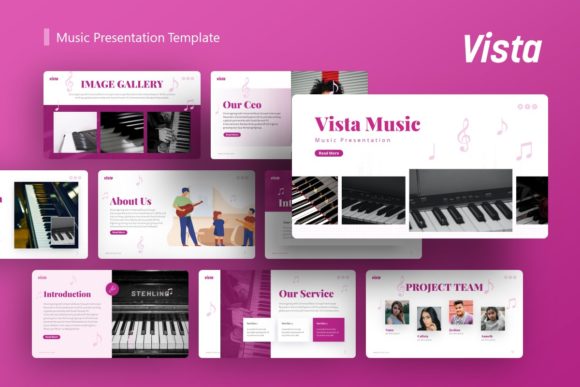
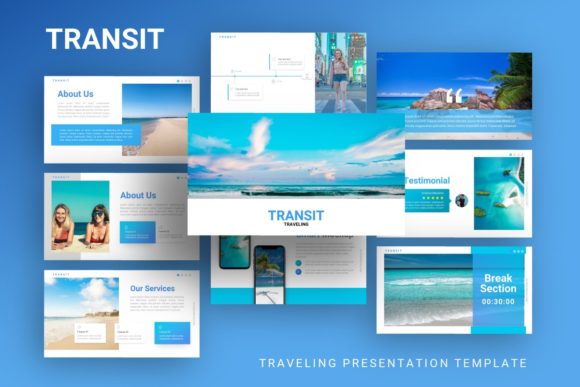
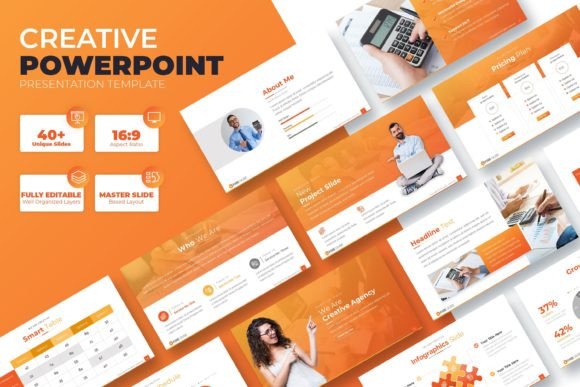
In the world of web design and digital marketing, the landscape orientation is king. The Portfolio Presentation utilizes this widescreen format to its fullest potential. With 15 editable pages, you have enough room to tell a comprehensive story without overwhelming your audience. The layout logic here is vital. A common mistake in editorial design and brand identity decks is cluttering slides. However, the structure of this template encourages the use of negative space, allowing your images and text to breathe.
For marketers and entrepreneurs, this aspect ratio is perfect for data visualization. You can place a chart on one side and supporting text on the other without the elements feeling cramped. For photographers and content creators, the wide format mimics the cinematic aspect ratios we are used to seeing in films and high-end advertising, making your visual content feel more immersive. It transforms a simple slide deck into a visual experience.
Adaptability and Technical Specs
One of the strongest features of this package is the file compatibility. It is delivered as PowerPoint .PPTX Files, which remains the universal language of business presentations. However, the listing explicitly states it is easy and fully editable in Google Slides. This is a massive advantage for teams. If you are a blogger collaborating with a virtual assistant, or a brand strategist handing off files to a client, you don't have to worry about software barriers. You can simply upload the .PPTX to Google Drive and start editing.
The technical promise of "All Graphic Resizable and Editable" is where the real value lies for designers. Unlike rasterized images that pixelate when you stretch them, the vector elements in this premium font and graphic set can be scaled infinitely. If you need to move a shape or resize an icon to fit a specific photo, the quality remains pristine. This flexibility is crucial for maintaining a professional brand identity.
Visual Hierarchy and Brand Perception
Typography is the voice of your design. While the template provides the structure, the text you place inside dictates the readability and tone. A well-designed portfolio presentation uses visual hierarchy to guide the viewer's eye. You want headers that command attention and body text that is easy to digest. Whether you choose to pair this template with a sans serif font for a clean, corporate look, or a serif font for something more traditional and editorial, the layout supports it.
Consider how a creative font choice influences perception. If you are a crafter or hobbyist selling goods, using a script font or handwritten font for your headers can add a personal, artisanal touch. Conversely, a marketer pitching a tech startup might stick to a geometric sans serif font to convey stability and innovation. The Portfolio Presentation acts as the neutral ground—a sophisticated stage that lets your chosen typography shine.
Practical Application: Who is this for?
The versatility of these design assets makes them suitable for a wide range of industries. Here is how different professionals can leverage this specific template:
- For Graphic Designers: Use it to present logo design concepts. The 1080p resolution is perfect for recording video walkthroughs of your design process to send to clients.
- For Content Creators & Bloggers: Create "Media Kits." Instead of sending a PDF, send a link to a Google Slides version of this template. It looks far more professional and allows you to update your follower counts in real-time.
- For Packaging Designers: The landscape format allows you to place physical product photos side-by-side with flat mockups, giving clients a complete view of the product line.
- For Social Media Managers: Use the slides to create social media graphics. You can screenshot individual sections of the slides to create cohesive Instagram carousels or Pinterest pins.
Evaluating Fit and Font Pairing
Before committing to a template for a major project, it is wise to evaluate how it fits your specific content. A common pitfall is choosing a template based on the demo images. Remember, the images used in the demos are NOT included. This is actually a benefit; it forces you to imagine your own content in the space rather than being swayed by stock photography.
When testing font pairing, look at the contrast. If the template layout suggests bold, heavy blocks of color, you might need a lighter typeface for the text to ensure readability. If the design is airy and minimalist, a bolder display font can help anchor the page. The goal is consistency. Your brand identity relies on using the same styles, colors, and fonts across every slide to build recognition.
Final Thoughts on Usability
The inclusion of a "Help Inside" file is a detail that separates a premium font and template package from a free download. It shows that the creator understands that not everyone is a PowerPoint wizard. Whether it is instructions on how to change the color scheme or how to swap out images without breaking the layout, this guidance ensures you can get your project up and running quickly.
Ultimately, the Portfolio Presentation is about removing friction from the creative process. It provides a structured, high-resolution, and adaptable foundation for your next big pitch, portfolio update, or brand guide. By leveraging the landscape format and the editable nature of the .PPTX files, you can create a visual narrative that engages your audience and elevates your professional image.