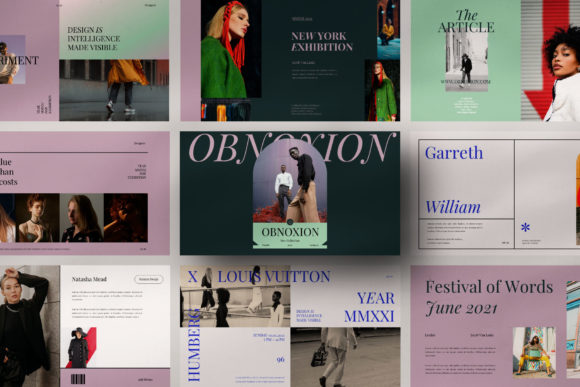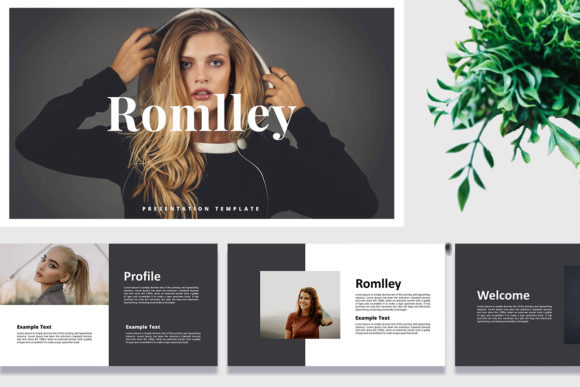
Romlley Keynote Template: A Modern Edge for Your Presentations
You know the feeling. You have a brilliant idea, a crucial pitch, or a groundbreaking strategy to share, but the thought of building another slide deck from scratch makes you want to close your laptop and take a nap. We've all been there, wrestling with mismatched fonts, awkward layouts, and that one stubborn text box that just won't align. The Romlley -Keynote Template is built to solve that exact problem. It's not just a collection of slides; it's a complete presentation system designed for people who value their time and need to look professional without the design headache.
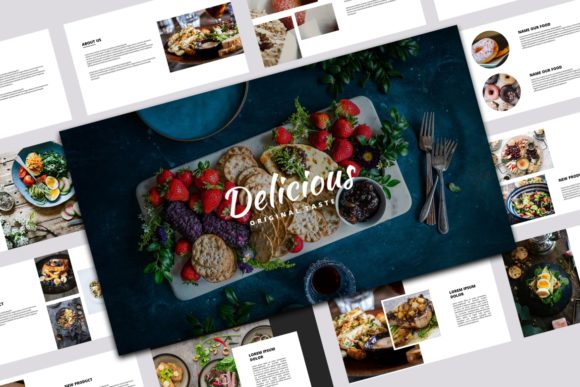
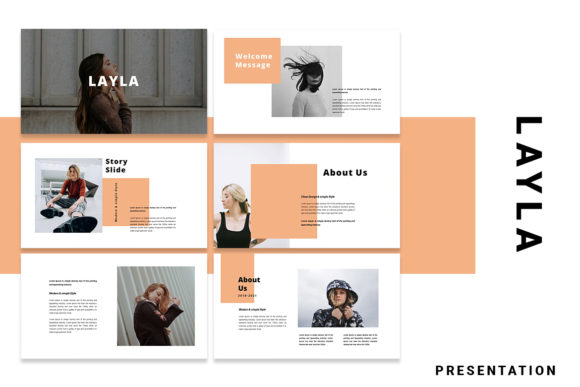
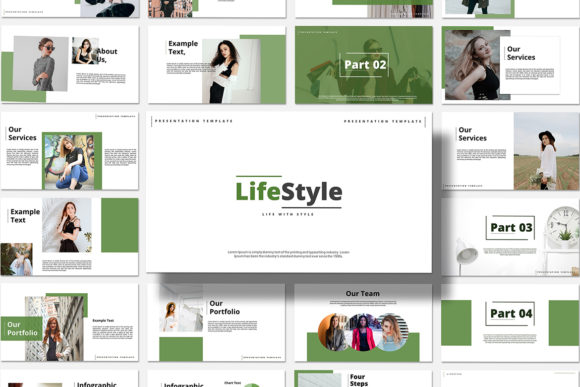
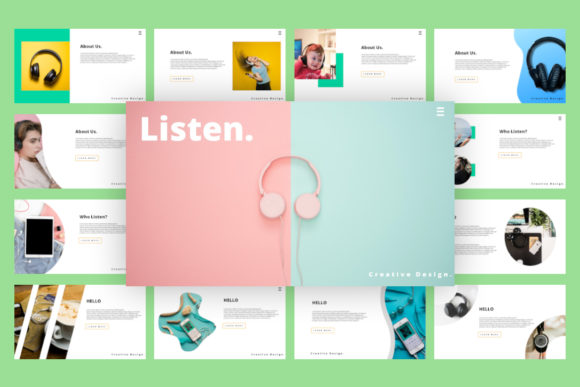
At its core, Romlley is a modern and creative set of presentation slides. The visual style is clean, contemporary, and intentionally bold. You'll find a strong emphasis on visual hierarchy, guiding your audience's eyes exactly where you want them to go—first to the powerful headline, then to the supporting image, and finally to the concise body text. The template uses a mix of strong sans-serif typography for clarity and occasional script or handwritten-style elements to add a touch of personality and warmth. This isn't a sterile, corporate-only toolkit. It has a unique flair that feels energetic and approachable, making it perfect for startups, creative agencies, educators, and small business owners who want to stand out. The overall appeal is one of confident simplicity; it lets your content be the hero.
Where This Presentation Template Truly Shines
The real value of a tool like the Romlley -Keynote Template lies in its versatility. Think of it as a design asset that adapts to your project's needs. For entrepreneurs and marketers, it's a game-changer for investor pitches, quarterly business reviews, and marketing campaign kick-offs. The structure is there, but the fully editable text, photos, shape & other elements mean you can tailor every slide to your brand's specific story. A blogger or content creator could use it to design a stunning media kit or a workshop presentation that feels cohesive and polished, elevating their perceived professionalism.
For designers and brand strategists, Romlley serves as an excellent foundation for client brand identity presentations. You can easily drop in client logos, mockups, and brand guidelines using the drag & drop image placeholders. The consistent 16:9 ratio ensures your work looks sharp on any modern screen. It's also ideal for publishers outlining a new book concept or a crafter creating a tutorial for a community class. The template's modern typography and layout principles are baked right in, so even those without a deep design background can produce slides that look like they were made by a pro. This consistency is key for brand recognition and building trust with your audience.
Practical Guidance for Using Romlley Effectively
Getting started is straightforward, but a little strategy goes a long way. First, evaluate the project fit. Romlley's creative and unique style is fantastic for most scenarios, but if your brand is ultra-conservative or traditional, you might need to customize the color palette heavily to soften its edge. That's easy to do, thanks to the template's easy to change colors feature.
Next, think about font pairing. The template includes specific fonts, but you can swap them. If you're presenting a serious financial report, you might pair the template's structure with a more neutral sans serif font. For a lifestyle brand, you could keep the included script font accents for headings to add a personal touch. Always test your chosen fonts for readability at the back of a large room. What looks elegant on your laptop can become an illegible blur on a projector.
Finally, use the template's features wisely. The image placeholders are your best friend. Use high-quality, relevant images that tell a story, not just fill space. The unique custom slides are there for a reason—use the timeline for project phases, the chart slides for data, and the team slides to introduce your crew. Don't just use the title and bullet-point slides. By engaging with the full suite of layouts, you create a more dynamic and engaging presentation that holds attention. Remember, the KEY (16:9) file is your canvas; the included design assets are your tools to build something memorable.
In the end, the Romlley -Keynote Template is about removing friction from the creative process. It provides a premium, presentation-ready