Modern Presentations with Sarah Keynote Template
In the world of business presentations, a great idea can get lost in a cluttered slide. We have all sat through presentations that felt outdated or visually chaotic, making it hard to focus on the actual data. This is where the Sarah - Keynote Template steps in. It is not just a collection of slides; it is a design framework built for modern professionals who value clarity, creativity, and efficiency. If you are a designer, entrepreneur, or marketer looking to impress stakeholders without spending hours formatting text boxes, this template offers a solution that balances aesthetic appeal with practical functionality.
Visual Character and Modern Design Language
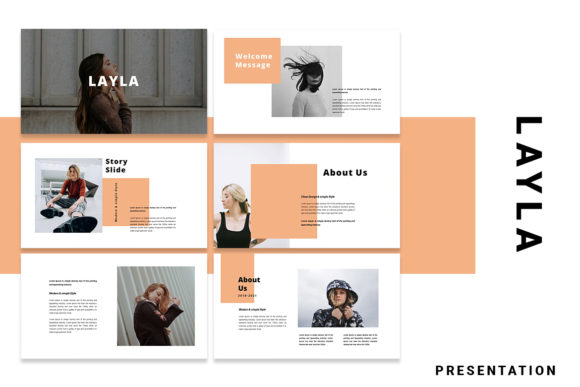
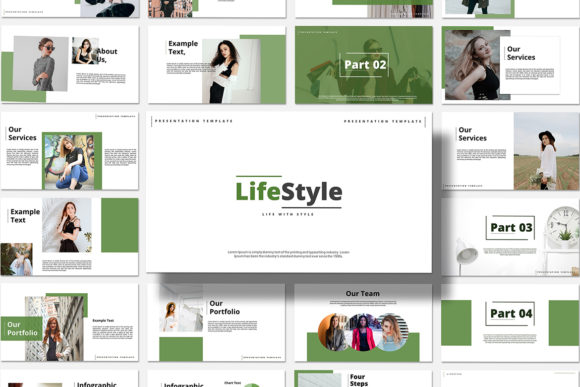
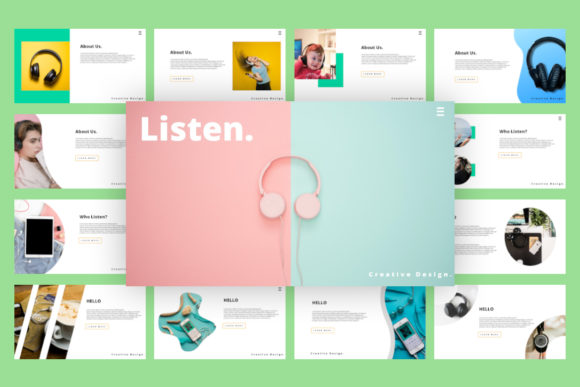
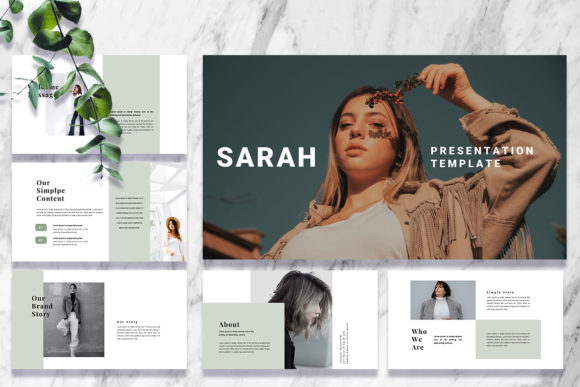
The Sarah - Keynote Template stands out because of its commitment to modern typography and a unique visual flow. Unlike generic corporate templates that rely on heavy shadows and rigid grids, Sarah embraces a cleaner, more editorial approach. The personality of the design is confident yet approachable. It uses a 16:9 ratio, which is the standard for widescreen displays, ensuring your content looks sharp on everything from a laptop screen to a large conference projector.
The visual style relies heavily on balance. You will notice generous white space, which is crucial for readability and visual hierarchy. By not crowding the slide, the template forces the presenter to distill their message down to the most essential points. The included custom slides feature distinct layout structures that guide the viewer's eye naturally from the header to the supporting visuals. It is a creative take on corporate communication, moving away from the "wall of text" mentality.
Drag and Drop Functionality
One of the most practical features for busy professionals is the Drag & Drop Image capability combined with Image Placeholders. For a content creator or small business owner, time is a scarce resource. You do not want to spend twenty minutes cropping and resizing an image to fit a specific shape on a slide. With Sarah, you simply drag your photo into the designated area, and the template handles the rest. This feature ensures that your brand identity remains consistent across all slides, as the image framing is already optimized by the designer.
Strategic Applications for Branding and Marketing
A presentation is often the first deep dive a client gets into your business strategy. Therefore, the tools you use reflect your professionalism. The Sarah - Keynote Template functions effectively as a design asset for various industries. For a brand strategist, the clean lines provide the perfect canvas to showcase mood boards and color palettes without visual interference. The template acts almost like a display font—it is bold and attention-grabbing but knows when to step back and let the content shine.
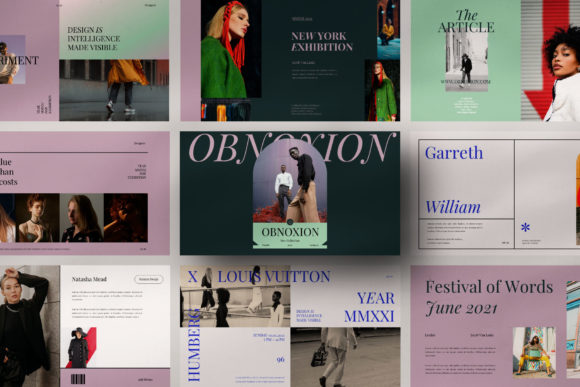
Consider the context of editorial design or publishing. If you are pitching a new book concept or a digital magazine layout, you need a presentation style that feels sophisticated. Sarah’s design mimics the aesthetic of high-end print media, utilizing serif and sans serif combinations that suggest authority and elegance. It moves beyond simple web design aesthetics into something that feels more tactile and premium.
Adapting to Different Industries
The versatility of the Sarah template is one of its strongest selling points. It is not limited to tech startups or corporate boardrooms.
- Entrepreneurs: Use it to pitch investors. The unique custom slides help structure a narrative that flows logically from problem to solution.
- Marketers: It is ideal for campaign post-mortems or strategy decks. The easy to change colors feature allows you to match the template instantly to a specific client’s brand guidelines.
- Bloggers and Content Creators: If you are creating a webinar or an online course, these slides provide a professional look that builds trust with your audience.
Practical Guide to Customization and Usability
While the visual appeal is important, the usability of a Keynote file determines whether it actually gets used. The Sarah - Keynote Template is Fully editable, meaning you are not locked into the original design choices. You can change photos, Shape & other elements to fit your specific narrative. This level of customization is vital for maintaining a cohesive brand identity. If your brand uses a specific script font for headers or a handwritten font for annotations, you can easily integrate these into the existing structure.
Font Pairings and Readability
Typography is the voice of your presentation. A common mistake is using too many fonts, which creates visual noise. When working with a premium font structure like Sarah, it is best to stick to a simple font pairing. If the template uses a bold display font for titles, pair it with a clean, neutral body text to ensure readability. The template is designed with modern typography principles in mind, so respecting the existing text hierarchy is usually the best path to a professional outcome.
Furthermore, the template utilizes a free font, which is a significant advantage for commercial use. You do not need to worry about complex licensing issues for the typeface included in the download. This makes the Sarah - Keynote Template a safe choice for commercial projects, client work, and internal communications.
Why Efficiency Matters in Presentation Design
Ultimately, a template should serve the message, not hinder it. The Sarah - Keynote Template offers a presentation ready experience that minimizes the technical friction of design. By utilizing easy to change colors and a logical slide master setup, it allows you to focus on strategy rather than pixel-pushing. Whether you are creating social media graphics (by exporting slides as images), packaging design mockups, or a corporate keynote, the structure provided by Sarah ensures that the final product looks cohesive. It is a practical, stylish, and easy editable tool for anyone serious about visual communication.