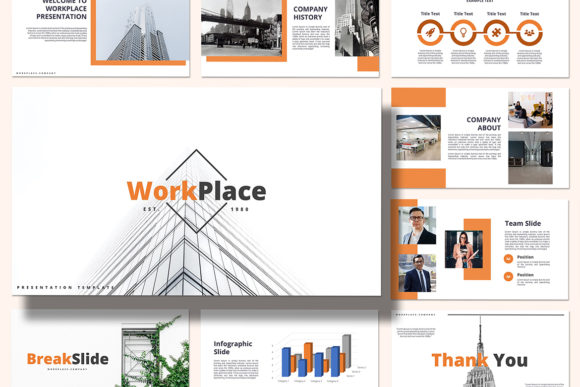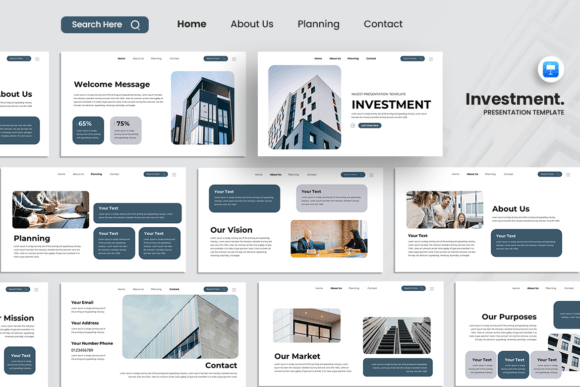
Visualize Success with the Investment Dashboard Keynote Template
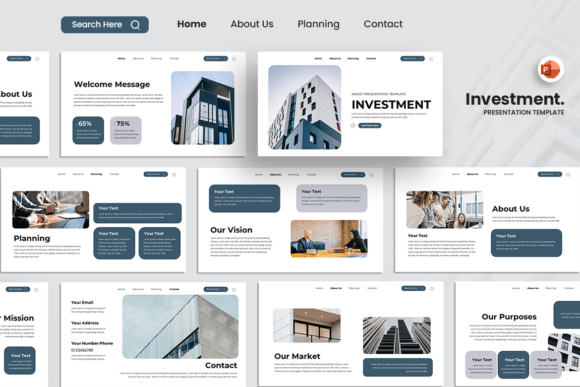
Presenting financial data or business strategies doesn't have to mean boring spreadsheets and cluttered slides. The Investment Dashboard Keynote Template transforms complex information into a clear, compelling visual story. It’s more than just a set of slides; it’s a strategic tool designed to make your data digestible and your message memorable. For anyone pitching investors, reporting to stakeholders, or outlining a growth plan, this template provides a polished, professional foundation that commands attention.
Anatomy of a High-Impact Presentation Template
At its core, this template is built for clarity and impact. Its visual personality is modern, clean, and authoritative. Think crisp lines, ample white space, and a sophisticated color palette that conveys trust and professionalism. The layout isn't just about looking good—it's engineered for visual hierarchy. Key metrics, charts, and timelines are given prominence, guiding your audience's eye exactly where it needs to go. This thoughtful design ensures your most important points aren't lost in the noise.
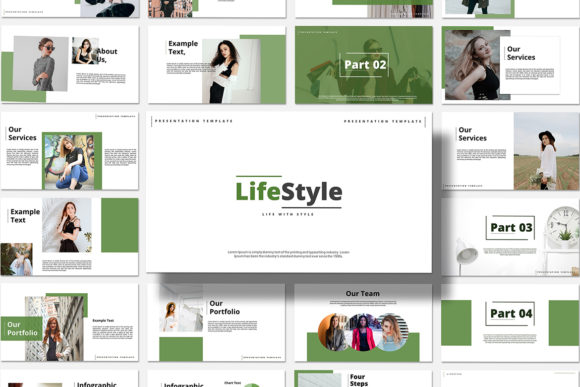
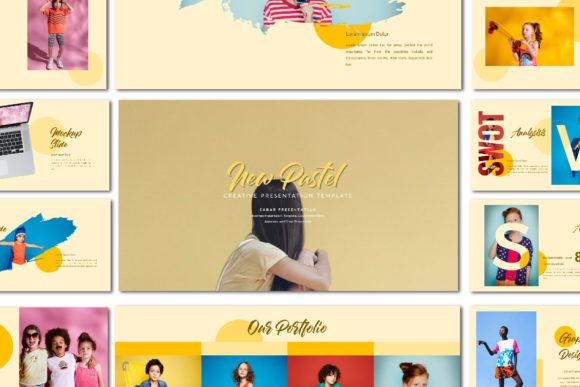
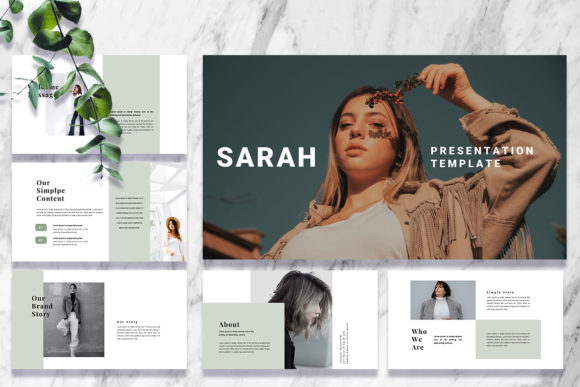
The appeal lies in its versatility and ease of use. As a premium design asset, it saves you dozens of hours you'd otherwise spend wrestling with alignment, font pairing, and color consistency. The drag & drop image placeholders and fully editable text mean you can infuse your brand identity seamlessly. Swap colors to match your company's scheme, replace placeholder images with your own product shots or team photos, and adjust every shape and element to tell your unique story. The 16:9 ratio ensures it looks sharp on modern screens and projectors, while the use of free fonts keeps your project budget-friendly and legally simple.
Where This Template Truly Shines
While its name suggests finance, the Investment Dashboard Keynote Template is a powerhouse for numerous scenarios. Its structured yet flexible slides are perfect for:
- Startup Pitch Decks: Convincing investors requires a narrative that is both data-driven and inspiring. Use the dashboard slides to showcase market size, traction, and financial projections with undeniable clarity.
- Company Profiles & Corporate Reports: Move beyond static annual reports. Create an interactive-style presentation that highlights achievements, departmental performance, and future roadmaps in an engaging format.
- Marketing & Creative Agency Pitches: Showcase campaign results, audience analytics, and creative strategies. The clean aesthetic lets your work and your data speak for themselves.
- Portfolio Presentations: Whether you're a photographer, designer, or consultant, the template's focus on imagery and clean layouts provides a stunning stage for your work.
It effectively bridges the gap between a corporate presentation and a creative portfolio, making it ideal for professionals who need to demonstrate both substance and style.
Practical Guidance for Maximum Impact
Getting the most out of any Keynote template requires a bit of strategy. Here’s how to approach the Investment Dashboard template for a flawless result:
- Start with Content, Not Slides: Before you open the file, outline your key messages and the data that supports them. This helps you select and customize the most relevant slides, avoiding clutter.
- Embrace Customization, But With Restraint: The easy to change colors feature is powerful, but stick to a limited palette—two or three primary colors plus neutrals—for a cohesive brand identity. Use the unique custom slides as a guide for layout, but don't feel obligated to use every single one if it doesn't serve your story.
- Master Font Pairing: The template uses a free font, which is a great start. For a more refined look, consider pairing the primary sans-serif with a complementary serif font for body text or a subtle script font for accent headings. This adds depth to your modern typography.
- Test for Readability: Always view your presentation in presentation mode. Check text sizes from the back of a virtual room. Ensure high contrast between text and background, especially for critical data points. Good readability is non-negotiable for audience engagement.
- Leverage the Dashboard Slides: These are your secret weapon. Don't just drop in numbers. Use the charts and graphs to tell a story of growth, comparison, or opportunity. Annotate them with brief, insightful comments.
Think of this Keynote template as a robust starting point. It provides the professional structure and design principles you need, freeing you to focus on what matters most: your message and your audience. By investing a little time in thoughtful customization, you elevate a standard presentation into a persuasive, memorable experience that drives action.