Professional Presentations Made Simple: The Ridom Google Slides Template
In a world where attention spans are short and first impressions are digital, how you present your ideas matters just as much as the ideas themselves. For many of us—designers, entrepreneurs, marketers, and creators—the slide deck is a critical tool. It’s where we pitch, teach, persuade, and showcase. Yet, wrestling with clunky software or starting from a blank canvas can be frustrating and time-consuming. This is where a well-crafted template becomes more than a convenience; it becomes a strategic asset. The Ridom Google Slides Presentation is designed to be that asset, offering a professional, clean, and powerful framework to elevate your work without requiring advanced technical skills.
A Design That Balances Simplicity with Impact
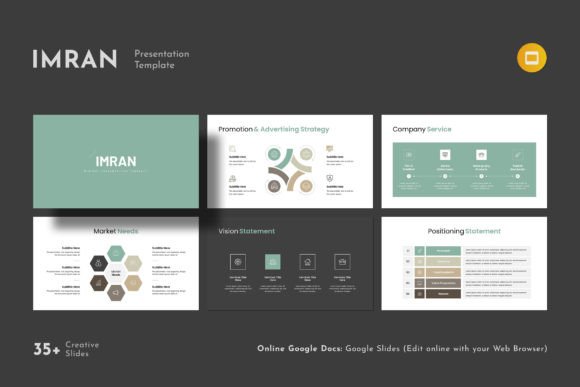
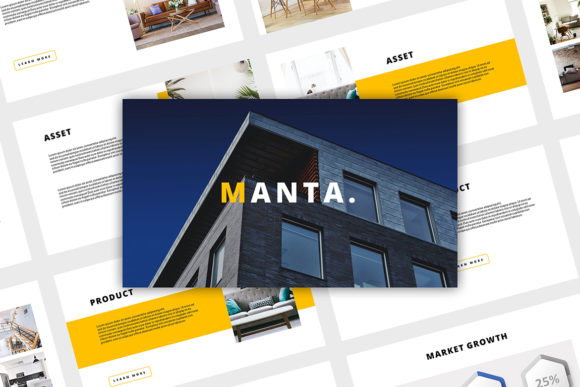
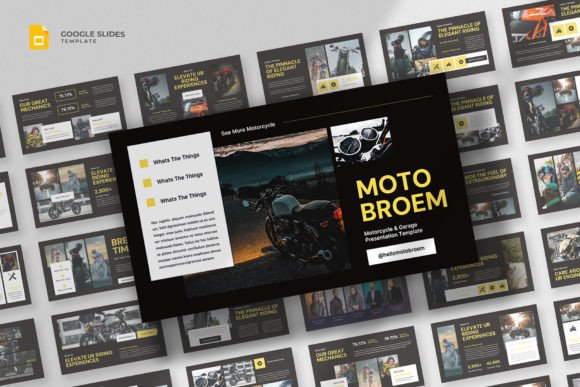
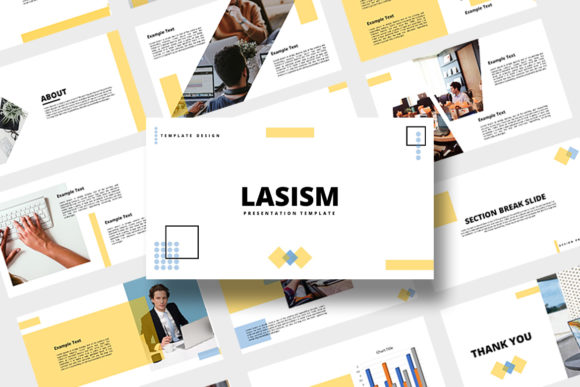
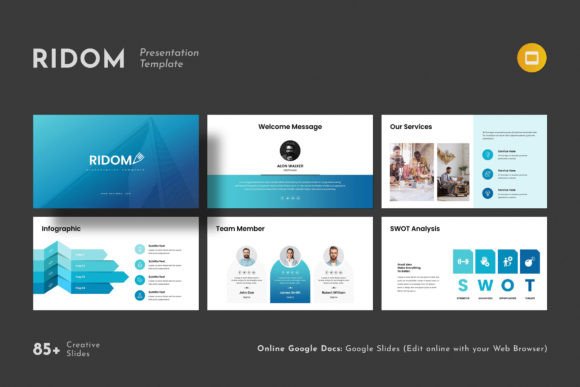
At its core, the Ridom template is defined by a contemporary and minimalist aesthetic. It avoids visual clutter, relying instead on clean lines, ample white space, and a structured layout to guide the viewer's eye. This isn't a sterile minimalism, though. The template incorporates creative photo layouts that allow images to breathe and become focal points. It includes a suite of design assets—infographics, tables, vector icons, and diagrams—that are built to be both functional and visually coherent. The overall personality is one of confident professionalism. It’s versatile enough to adapt to a corporate boardroom, a creative studio, or a classroom, providing a polished stage for your content. The style speaks to a modern audience that values clarity and directness, making it an excellent foundation for building a strong visual brand identity through your presentations.
Where This Template Truly Shines
The practical applications for a tool like Ridom are vast, touching nearly every area where visual communication is key. For entrepreneurs and small business owners, it’s ideal for crafting investor pitches, company overviews, and sales decks that look credible and trustworthy. Marketers and content creators can use it to develop compelling campaign proposals, performance reports, and social media strategy presentations. In the realm of publishing and editorial design, it serves beautifully for author talks, book launches, and magazine-style content showcases. Even for personal projects, like planning a wedding, documenting a travel journey, or organizing a community event, the template provides a polished framework that elevates the final product. Its strength lies in its adaptability; the same clean structure can host a data-heavy quarterly report just as effectively as it can present a portfolio of artistic work.
Key Features for a Seamless Workflow
What makes this template particularly user-friendly is its focus on accessibility and ease of use. It’s built on Google Slides, meaning you can edit it directly in your web browser—no need for expensive software or a powerful computer. This makes collaboration effortless and access universal. The design is based on Master Slides, which ensures consistency across all 88 slides; change a color or font in the master, and it updates throughout the entire deck. This is crucial for maintaining brand consistency. The template is presented in a 16x9 Full HD ratio (1920x1080px), the standard for modern displays, ensuring your presentation looks sharp everywhere. One of the most practical features is the easy drag-and-drop functionality for changing pictures, which, combined with fully resizable graphics, makes customization intuitive. The inclusion of a theme color option allows for quick branding, and the bonus of over 4000 vector icons provides a vast library of visual elements to enhance your points without searching for external resources. Furthermore, the use of free fonts (with links provided) removes a common barrier to entry.
Making the Most of Your Presentation
While the Ridom template provides an excellent starting point, a few practical considerations can help you maximize its impact. First, evaluate your project's specific needs. The template’s strength is its professional clarity, so ensure that aligns with your message. A highly artistic or whimsical theme might require more customization. When starting, review the included slide masters and layouts. Familiarize yourself with the options for title slides, content slides, and quote slides to structure your narrative effectively. Don’t overlook the importance of font pairing. While the template uses free fonts, you can explore other compatible typefaces to add a unique touch. Ensure any new fonts maintain readability, especially for body text. The provided vector icons are a goldmine for creating visual metaphors and breaking up text, but use them judiciously to avoid visual noise. Finally, always test your presentation on the actual device or platform you’ll be using to check for layout issues and ensure all elements display correctly.
Beyond the Slides: Building a Cohesive Visual Language
Think of a presentation template not as a standalone document, but as a component of your broader brand identity. The clean, modern typography and structured layouts of the Ridom Google Slides Presentation can inform other areas of your design work. The color palettes you establish here can be carried over to your logo design, web design, and social media graphics. The way information is hierarchized with headings and body text can influence your approach to editorial design or packaging design. By using a consistent visual language across all touchpoints, you build recognition and professionalism. This template encourages a disciplined approach to design, focusing on content hierarchy and visual breathing room—principles that are valuable in any medium. It’s a practical tool that, when used thoughtfully, can help you communicate more effectively and present your work and your company profile on a genuinely higher level.